


Enkla trådlösa uppdateringar låter dig installera den senaste systemversionen med bara några tryck.





Mini trådlös CarPlay/Android Auto-adapter
PRICE
KEY FEATURES
Instant Wireless Upgrade
Convert your wired CarPlay/Android Auto to wireless in seconds.
Compact & Discreet
Thumb drive-sized and blends seamlessly into your car’s interior.
Expand the Way You Drive
Unlock more ways to make every drive feel seamless. Make calls, stream music, and navigate with the help of CarPlay.
Fast Auto Reconnection
The Mini remembers your device and reconnects automatically every time you start your car.
Simple Plug-and-Play Setup
No apps, no hassle—just plug it in and drive.
Keep it Compatible
Get quick bug fixes on-the-go with the help of FOTA upgrades.
Merförsäljningsprodukter
Garantiprodukter
×

Rea pris$169.00
Ordinarie pris$260.00 
Rea pris$229.00
Ordinarie pris$325.00
×
Lösning hittad för ditt fordon!
FORDON VALT
Audi A4, 2018
Vi har bekräftat att ditt fordon inte har fabriksinstallerad CarPlay. Oroa dig inte! Ottoscreen AI som visas nedan är den kompletta lösningen som är utformad för att enkelt ge din bil smarta funktioner och fullskärms-CarPlay.

Ottoscreen AI
Perfekt match!
FORDON VALT
Audi A4, 2018
Din bil har trådbunden CarPlay, som är redo för våra produkter. Fortsätt bläddra för att upptäcka mer.
Behöver bekräftelse
FORDON VALT
Audi A4, 2018
Vi ber om ursäkt, din modell finns inte i vår databas. Vänligen bekräfta en viktig detalj: Har din bil trådbunden Apple CarPlay?
Titta på instruktionsvideon nedan eller använd ett AI-verktyg (som Gemini eller ChatGPT) för att snabbt söka efter din bils funktioner och bekräfta. Om den har trådbunden CarPlay är våra produkter det perfekta valet!
Trådlös CarPlay upptäckt
FORDON VALT
Audi A4, 2018
Eftersom du redan har trådlös CarPlay, kolla in vår Ottoaibox i3 för att titta på videor i din bil.

OttoAibox i3 BMW CarPlay AI-box
Perfekt match!
FORDON VALT
Audi A4, 2018
Din bil är kompatibel — fortsätt bläddra för att upptäcka mer du kommer att älska.
Trådbunden Android Auto upptäckt
FORDON VALT
Audi A4, 2018
Vi har upptäckt att ditt fordon endast stöder trådbunden Android Auto, inte trådbunden CarPlay. Det är inte kompatibelt med din bil. Oroa dig inte! A2Air Pro-adaptern som visas nedan är den perfekta lösningen för dig.
🚨BEFORE YOU BUY
Requires Factory Wired CarPlay or Wired Android Auto
For 2016 or newer vehicles
Requirements:
-
Vehicle:
To use Wireless CarPlay, your vehicle must have factory Wired CarPlayTo use Wireless Android Auto, your vehicle must have factory Wired Android Auto
- Phone: Works with iPhone (iOS 10+) and Android (Android 11+). Selected Samsung/Google phones also support Android 9.
Not Compatible: Sony aftermarket head units.
Mitsubishi Vehicles: Please leave a note at checkout or email us before ordering.
Factory Wireless CarPlay Vehicles (e.g. some BMW models): Recommended Model: OttoAibox i3
How to Check Wired CarPlay / Android Auto Support
Efterförsäljningspolicy

30 dagars returrätt

1 års garanti

Dedikerad support
Dela
Mini trådlös CarPlay/Android Auto-adapter
Rea pris$39.00
Ordinarie pris$59.00
Mini
Klipp sladden, kör fritt
Slipp sladdarna och upplev sömlös trådlös CarPlay och Android Auto.


Trådlös CarPlay + trådlös Android Auto

Kompakt och diskret

Utöka ditt sätt att köra

Automatisk återanslutning

FOTA-uppgraderingar

Enkel installation
Varför välja Mini Wireless?


Omedelbar trådlös uppgradering
Gör din trådbundna CarPlay/Android Auto trådlös på några sekunder.


Snabb automatisk återanslutning
Mini kommer ihåg din enhet och ansluter automatiskt varje gång du startar bilen.


Utöka ditt sätt att köra
Lås upp fler sätt att göra varje körning integrerad. Spegla din skärm, ta samtal, strömma musik och navigera med hjälp av CarPlay.


Enkel plug-and-play-installation
Inga appar, inga krångel—bara koppla in och kör.


Kompakt och diskret
Stor som ett USB-minne och smälter sömlöst in i bilens interiör.

Lås upp de senaste CarPlay-funktionerna
De senaste iOS-innovationerna ger en smartare och mer personlig CarPlay-upplevelse.


Uppdaterat CarPlay-gränssnitt


Superanpassade widgets


AI-assistentstöd

Uppgradera din trådbundna anslutning till trådlös
Kablar kan vara besvärliga, röriga och begränsande. Att gå trådlöst ger dig en renare instrumentbräda och större frihet att använda CarPlay eller Android Auto utan att behöva koppla in varje gång.
Revolutionera vad du kan åstadkomma på vägen med trådlösa funktioner.
Anslut bara Mini och upplev samma utökade funktioner som CarPlay och Android Auto erbjuder.
Växla mellan enheter med ett knapptryck.


Automatisk och snabb återanslutning
Ger en verkligt handsfree-upplevelse och säkerställer sömlös anslutning utan extra steg.

Att behöva koppla upp sig manuellt varje gång du sätter dig i bilen är besvärligt. Mini kommer automatiskt ihåg och ansluter till din senast använda enhet, så att du kan börja köra utan avbrott.
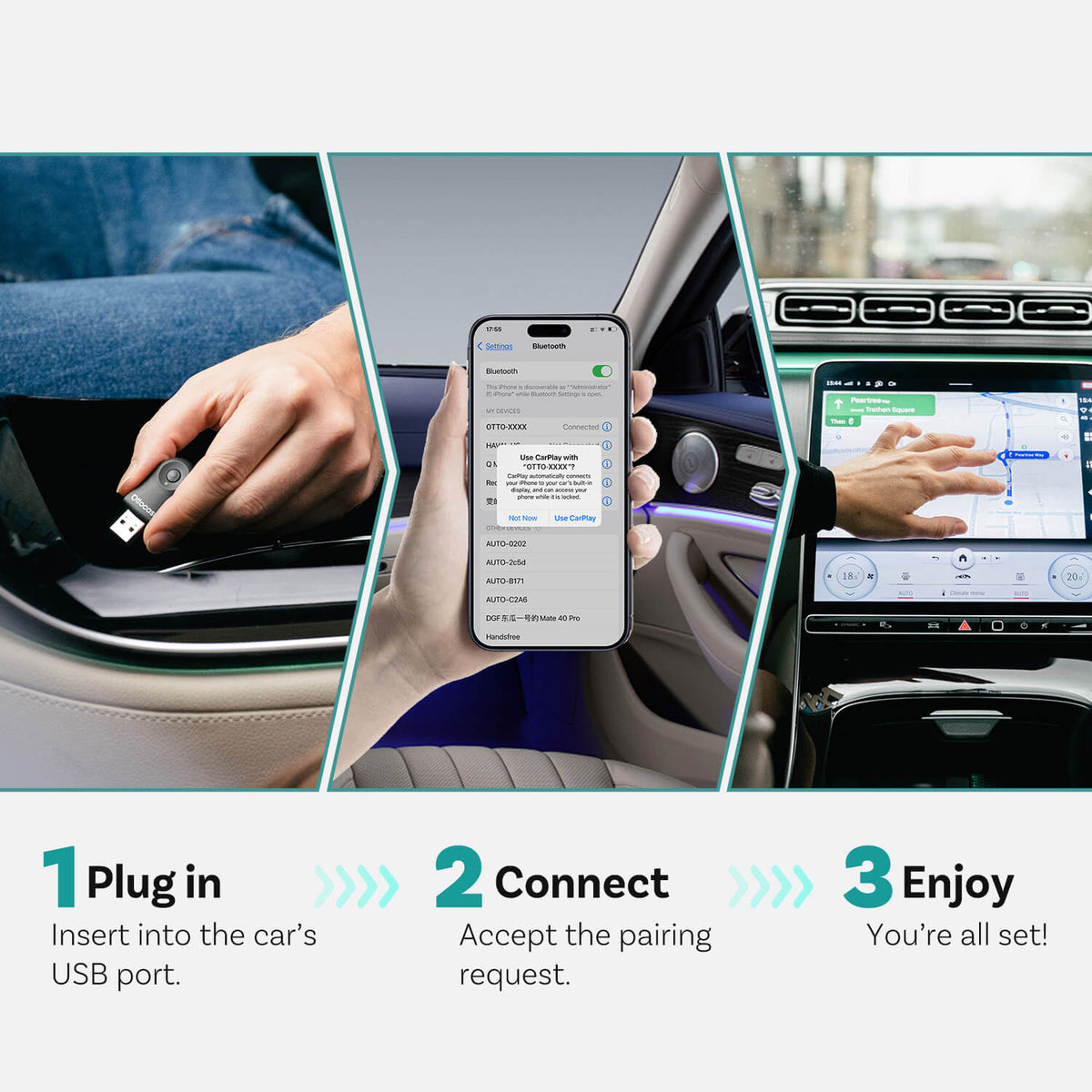
Den snabbaste installationen i ditt liv
Många bilaccessoarer kräver komplicerade installationsprocesser. Ottoadapter Mini är designad för enkel installation—bara att koppla in den, så fungerar den. Inga appar eller komplicerade inställningar behövs.


Anslut till USB-port


Bilskärm visar trådlös anslutning


CarPlay/Android Auto startar omedelbart.


FOTA-uppgraderingar
Alltid uppdaterad
Håll dig steget före med nya innovationer.
Inga bekymmer, ingen ansträngning
Få det senaste systemet på några minuter med enkla trådlösa uppdateringar.
Gör din bil framtidssäker
Njut av fler års användning med ny teknik och enkla uppdateringar längs vägen.
Jämför
Jämför våra mest populära produkter nedan.
 Mini trådlös CarPlay/Android Auto-adapter
$39.00 USD
Buy Now |
 Standard CarPlay |
 Andra AI-lådor |
|
|---|---|---|---|
| Trådlös anslutning |
|
|
Begränsad
|
| Automatisk återanslutning |
|
|
Inkonsekvent
|
| Firmwareuppdateringar |
(Trådlöst)
|
Manuella uppdateringar
|
Sällan uppdaterad
|
| Anslut och använd |
|
Kräver installation
|
Kompakt storlek
|
| Behöver kabel |
|
Behöver kabel
|
|
|
|
|
|
Vanliga frågor
Är denna Ottocast-produkt kompatibel med min bil?
De flesta Ottocast-produkter är designade för fordon (vanligtvis 2016 eller nyare) med fabriksinstallerad trådbunden Apple CarPlay och/eller fabriksinstallerad trådbunden Android Auto. Denna produkt är en adapter från trådbunden till trådlös och måste kopplas in i en USB-dataport (inte en port endast för laddning).
Snabb kontroll: koppla in din telefon—om CarPlay/Android Auto dyker upp, stöds det. Video: 👉 Se video
Hur kan jag kontrollera kompatibilitet på er webbplats?
På produktsidan, klicka på ”Kontrollera om det passar din bil” (under ”Lägg till i kundvagn”), välj sedan märke / modell / år för att se resultatet.
Finns det några rabattkoder, kuponger eller värdebevis för Ottocast-produkter?
Ja. Nya kunder kan få ett välkomsterbjudande när de prenumererar på Ottocasts e-post, och vi har tidsbegränsade kampanjer under året.
För de senaste aktiva koderna, prenumerera längst ner på sidan så skickar vi uppdateringar.
Om jag har kopplat ihop två telefoner, vilken kommer den att ansluta till nästa gång?
Om flera parade telefoner finns i närheten kommer Ottocast vanligtvis att återansluta till den senast använda telefonen.
För att byta enhet, koppla från CarPlay på den nuvarande telefonen (eller stäng av dess Bluetooth/Wi-Fi), och anslut sedan med den andra telefonen.
Vissa modeller stödjer också enkel tryckväxling eller manuell enhetsval.
Kan jag flytta den mellan två bilar?
Ja. Koppla bara ur den och använd den i ett annat kompatibelt fordon. I den nya bilen kan du behöva para ihop din telefon igen eller göra en snabb första installation.
Varför välja Mini?
Mini är gjord för enkel trådlös användning i vardagen. Dess ultrakompakta design är diskret, förvandlar trådbunden CarPlay/Android Auto till trådlös på några sekunder och fungerar plug-and-play (ingen app behövs). Den återansluter automatiskt, stödjer enknappsomkoppling mellan enheter och inkluderar FOTA-uppdateringar för långsiktig stabilitet.
Behöver jag ansluta igen varje gång jag sätter mig i bilen?
Nej. Mini kommer ihåg din telefon och ansluter automatiskt när du startar bilen.
Hur byter vi mellan två familjetelefoner?
Tryck på strömbrytaren på enheten för att växla mellan parade telefoner. Följ anvisningarna på bilens skärm för att slutföra anslutningen.
Vilka telefonsystem stöds?
Stöder iPhone och Android:
- Trådlös CarPlay: iPhone (iOS 10+)
- Trådlös Android Auto: Android-telefoner (Android 11+, trådlös Android Auto-kompatibel)
Krav: Din bil måste redan stödja trådbunden CarPlay eller trådbunden Android Auto—denna adapter uppgraderar trådbunden till trådlös.
E
Android Auto does not work on Corolla Hatchback 2019
Carplay does work great tho

K
The OTTOCAST Mini 2025 adapter works flawlessly! It easily connects my 2016+ car to both CarPlay and Android Auto over 5GHz WiFi, providing fast and stable performance. Setup is quick, and the auto-connect feature is super convenient—no more plugging in every time. Compact, reliable, and a game-changer for wireless in-car connectivity!

B
I'm not one to write reviews, but with this product I will. I have had at least three dongles, all different brands in the past. This OTTOCAST was the easiest to connect. It literally connected itself in a couple of seconds. I love how there is no box with a cord to get in the way. Worth your purchase.

J
Es bastante bueno porque te ayuda a eliminar el uso de un cable para poder acceder a las funciones de Apple CarPlay (en mi caso); creo que es su función más destacable.
Por otro lado, me da la sensación que la conexión bluetooth podría mejorar. Con frecuencia me pasa que algunas llamadas las percibo medio robóticas, un tanto entrecortadas y algunas veces con algo de delay en el audio.
En Apple Music funciona muy bien, pero la verdad es que los podcasts si suenan muy mal cuando se reproduce el sonido con este dispositivo.
En general, creo que cumple con lo básico que promete, pero puede mejorar. Lo anterior, lo comento con el uso de iPhone 11 Pro Max, si cambio de dispositivo y la experiencia mejora pasaré a dejar la actualización.

A
My little guy now refuses to connect so im reviewing my, well, review.
I've done it all in terms of troubleshooting and starting from scratch but
cannot get it to connect as its stuck in a constant 'connect/disconnect' loop. Worked well for a few wks but im starting to regret the purchase and if i cant get it working today ill be returning it.
UPDATE: Golf R owner - Ive cracked the code. Using the various tools at my disposal i was able to successfully troubleshoot and ultimately, satisfactorily come to a resolution for my Otto.
The solution - let it connect first BEFORE starting the engine. Works EVERYTIME now

N
Ottocast tan?d?k bir marka oldu?u i?in tercih ettim fakat ürün beklentimin alt?nda kald?. Ba?land?ktan sonra seste kesik kesik gelme sorunlar? olu?abiliyor. Bir kere ba?lant? güvenli de?il uyar?s? ald?m ve ??kart?p tekrar takt?m. Google haritalar uygulamas?ndan yandex navigasyona ge?ince kilitlendi ve resetlendi. K?sacas? ?ok stabil bir ürün gibi durmuyor. ?rünü bir-iki saat kullan?m, bu ?ekilde olacaksa iade edece?im san?r?m.
2 gün sonra yoruma ekleme yap?yorum:
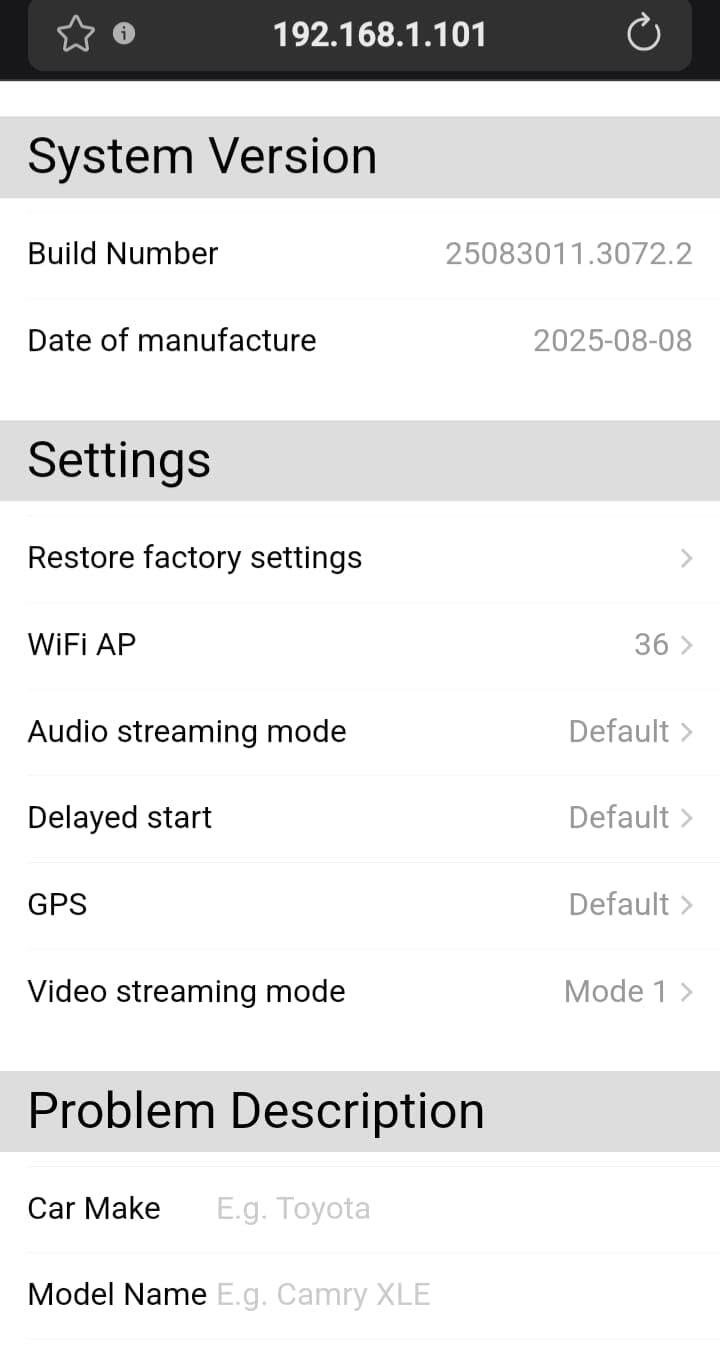
Belirtti?im sorunlar? düzeltmek i?in yoruma ekledi?im g?rseldeki gibi Video Streaming Mode ayar?n? Mode1 olarak ayarlad?m ve cihaz?n tüm sorunlar? yok oldu, ne restart at?yor ne tak?l?yor. Bu ayarlara nas?l girildi?i kitap????nda var ama ayarlar?n ne i?e yarad???n? yazmam??lar. ChatGPT'ye sorunca cevaplar? buldum. Arac?m hyundai tucson 2021 model. Ba?ka bir yorumda da ayn? sorunu ya?ayanlar olmu?. Hyundai grubunda bu ayar se?ilmeli. Bir de kitap??k var m? var demek i?in yap?lm??. Sat?c? bo? yere iade almak istemiyorsa kitap??kta olas? sorunlar?n nas?l ??zülece?i anlat?lmal?.
N
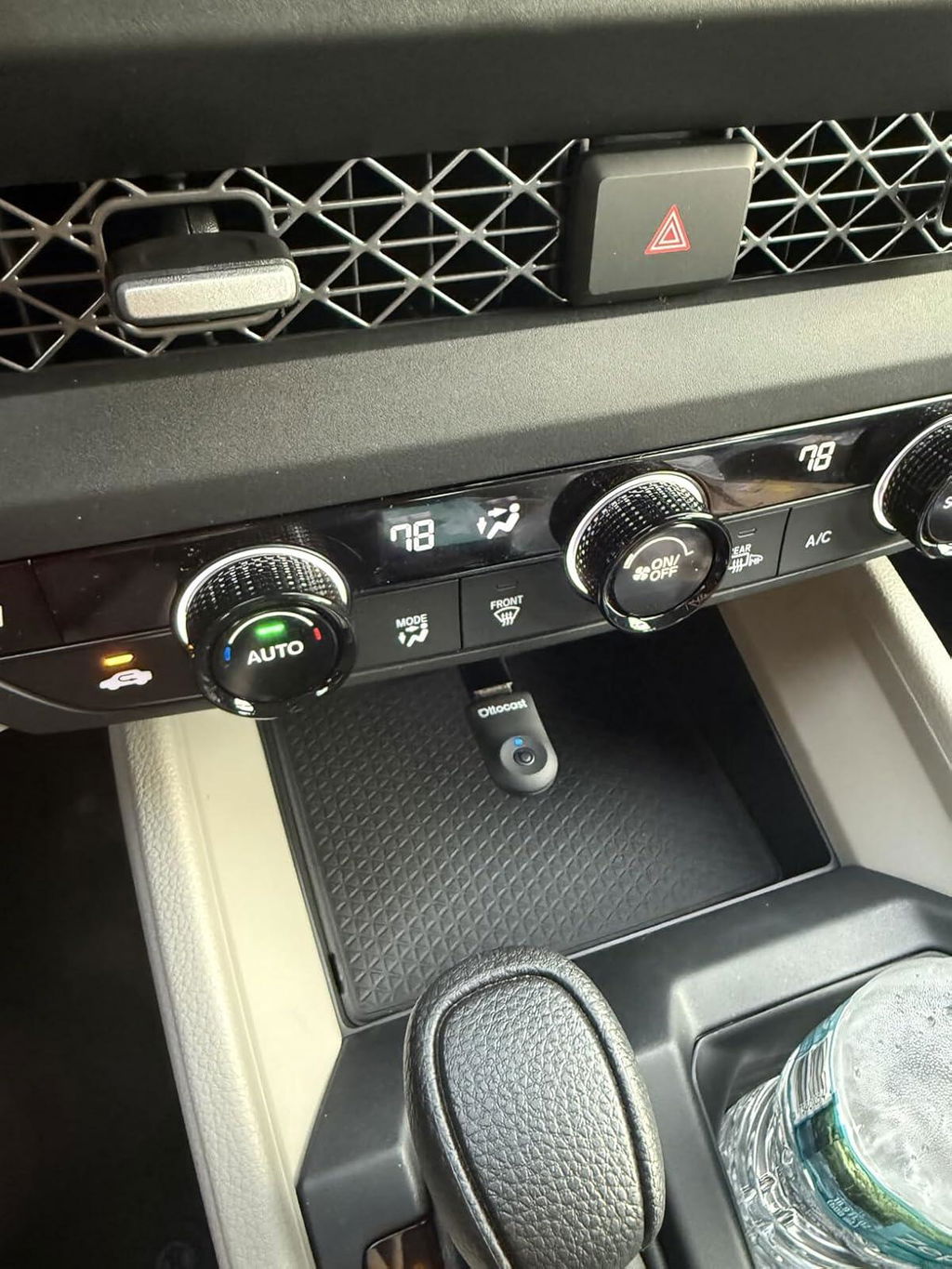
Started working within 7 to 8 seconds. Loving it. Easy to use.
E
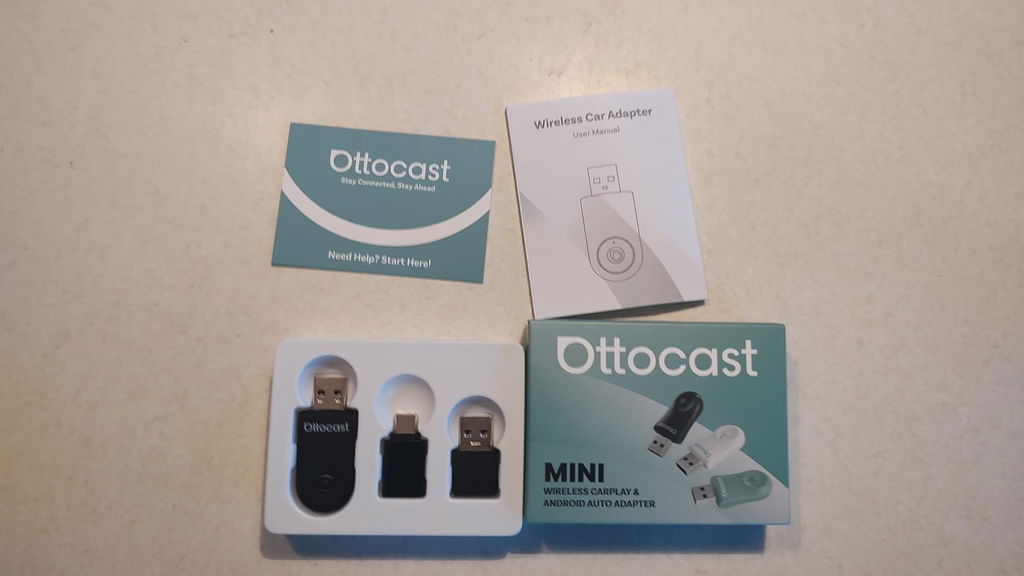
This is a handy little adapter to play songs on your phone through your Android auto radio. It's as simple as plugging into your USB port on your radio, Then turning on your Bluetooth on your phone and finding the correct channel. It fits perfectly into any USB port, It's quick to use and connects easily. This adapter works both with iPhones as well as Android ones. It's basically a blue tooth dongle for your car stereo.
G
Worth every penny!
I haven't had any issues since putting it in my 2021 Toyota corolla.
The audio is actually better now.
m
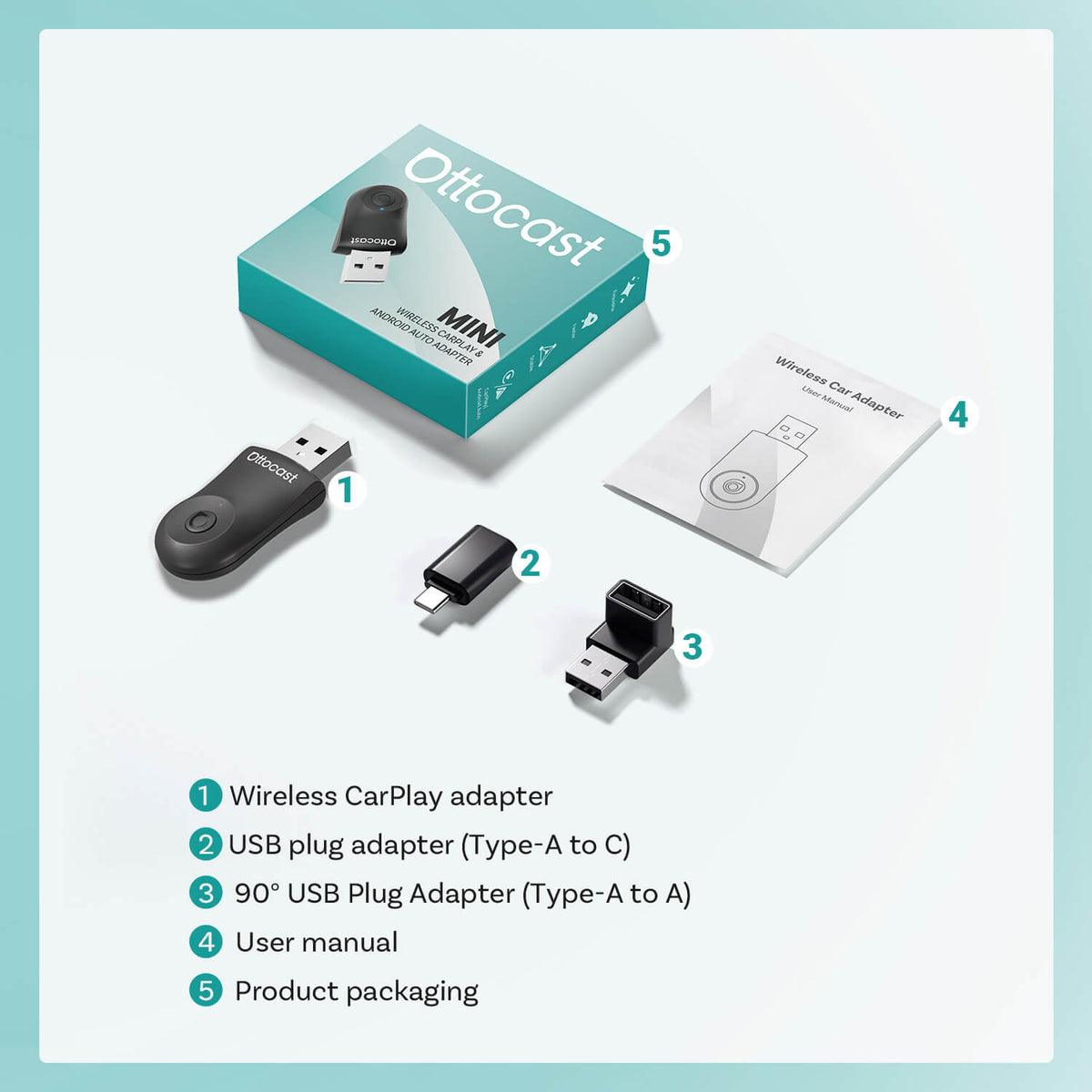
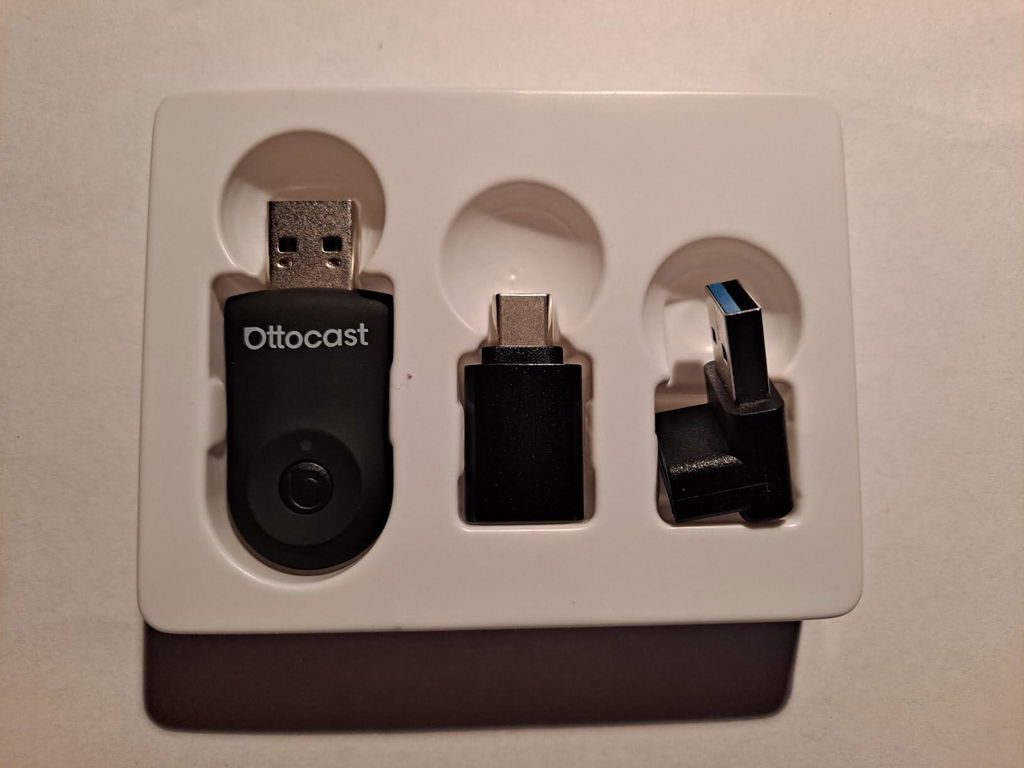
Easy to set up wireless android auto adapter. Very compact in size. Comes with USB C adapter and a right angle adapter to alter the orientation so the device is flush to the console. Nice additions to the package. I was able to get the adapter connected and functional in about 5 minutes after reading the very tiny printed instructions. Wireless connectivity is a big plus to have in the car. I no longer have to plug in my phone and have a cable hanging around. Also like the fact that it just auto connects when you get in the car. The adapter does say it will support 2 phones but the process to switch is not quick, At this point I have not noticed any lag, but I mainly use it for Google maps. Not that great a value after looking at similar units. Just noticed my Nissan Rogue maintains power to the USB Port so the adapter never powers down and seems to get hot. I've taken to unplugging and plugging it in. This is a Nissan issue and not the adapter.
s
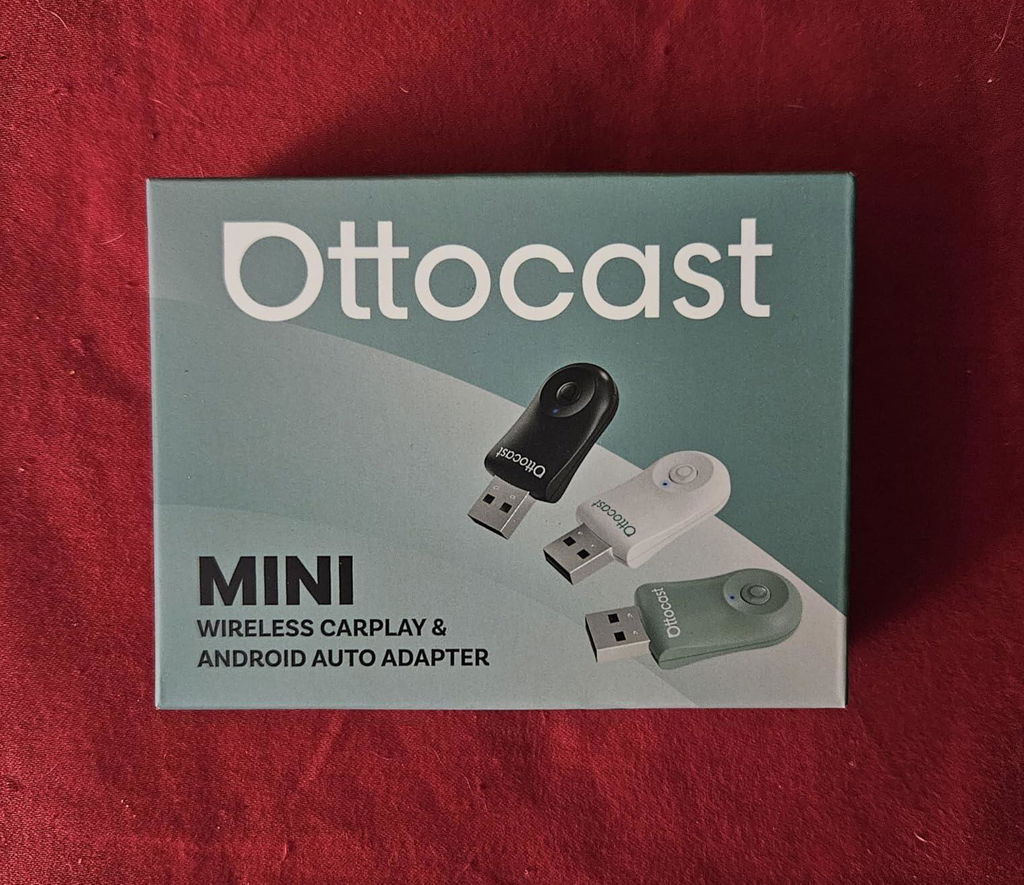
This adapter works exactly how you want it to fast, reliable, and totally hassle-free. I plugged it into my 2017 Jeep Grand Cherokee and within seconds it connected wirelessly to Android Auto. Next time I started the car, it auto-connected even faster. I then tested it with my iPhone and carplay worked just as well.
The 5GHz WiFi keeps everything smooth no lag in audio or screen updates. It’s compact too, so it doesn’t clutter the dash or stick out awkwardly like some other adapters I’ve tried,
If your car has wired CarPlay or Android Auto and you want to cut the cord for good, this little box works great. The problem is however there's a hundred other adapters that work just as well for less then half the price. There's nothing special about this one that justifies the $100 price tag. Ottocast makes great android boxes. I happen to own one of their full android ai boxes and love it but this is just overpriced plain amd simple. Id pay maybe $40 to $50 tops.
J
All the benefits of Carplay without the wires. What's not to love. As long as I have the phone with me all I have to do is start the car, and before I've even backed out of the driveway the music begins to play and the maps appear when the back-up camera is done with the display. Couldn't be easier.
It was super easy to set up.
1. Unbox
2. Plug In to car's USB port
3. Start Car
4. Open Bluetooth pairing page on phone
5. Select Ottocast devise. 6. Confirm match
7. Enjoy Carplay
I used the right-angle adaptor so the OttoCast lays flat against the dashboard instead of sticking straight out from the USB port. It is neatly tucked out of the way where it won't get bumped or damaged by items I may stash in front of the gear shift (like my phone or sunglasses).
Next time I started the car it auto-magically picked up right where I left off. Couldn't be easier.
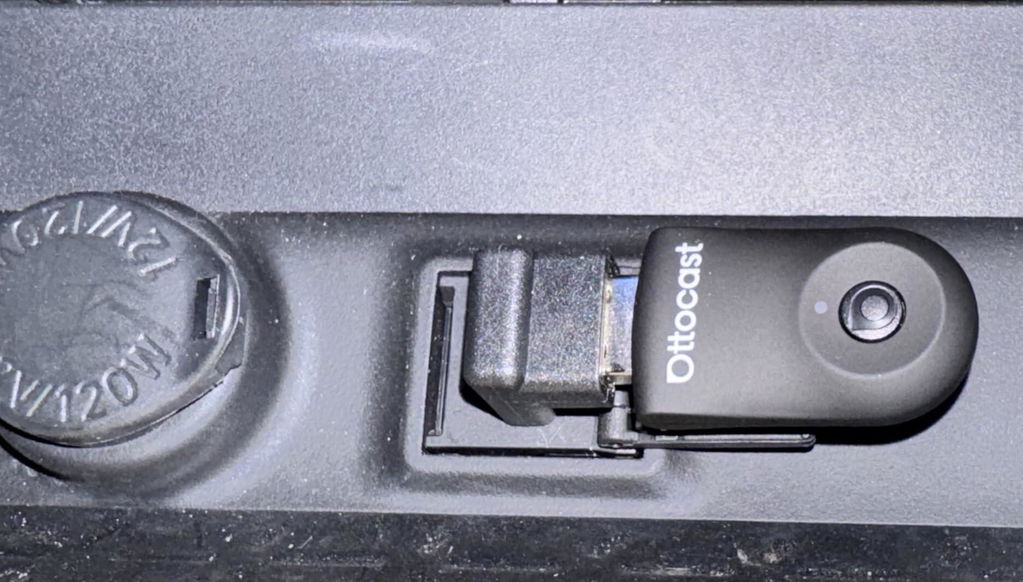
t
I have a new Kia Telluride that came with wireless Carplay. It worked for a while and then started to act weird. So then I went to the wired method - same thing, it started acting weird. Sometimes it wouldn't connect, other times it would freeze. I figured I would try this unit from Ottocast to see if it would help - maybe it would override something that was getting buggy with the stock connection.
First off, initial connection could not have been easier. Plug it in, follow the few quick steps and you are good to go. Now when I start the car, the connection is super fast.
The absolute best part is that this unit has given me back wireless Carplay in what should be working in a new car. This is one of those units that is "set and forget" and that's the way I want it. Initial setup is probably one minute, and then after that it just works. The connection is fast, I haven't had any freezes or disconnections - it just works! Highly recommended.
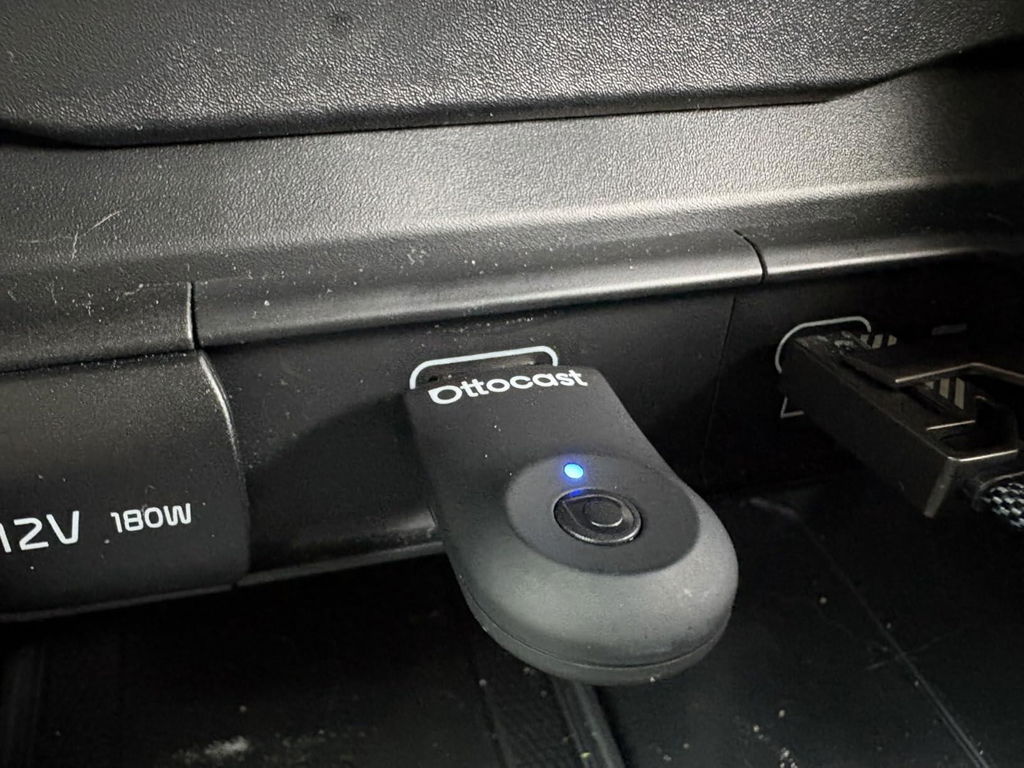
A
Worked immediately and connects really fast. 2 weeks in and haven’t experienced a glitch at all. Very impressed. Using an iphone 14 with a VW golf but a retrofit head unit that I wasn’t sure would work. Paired with a charging magsafe mount its so convenient
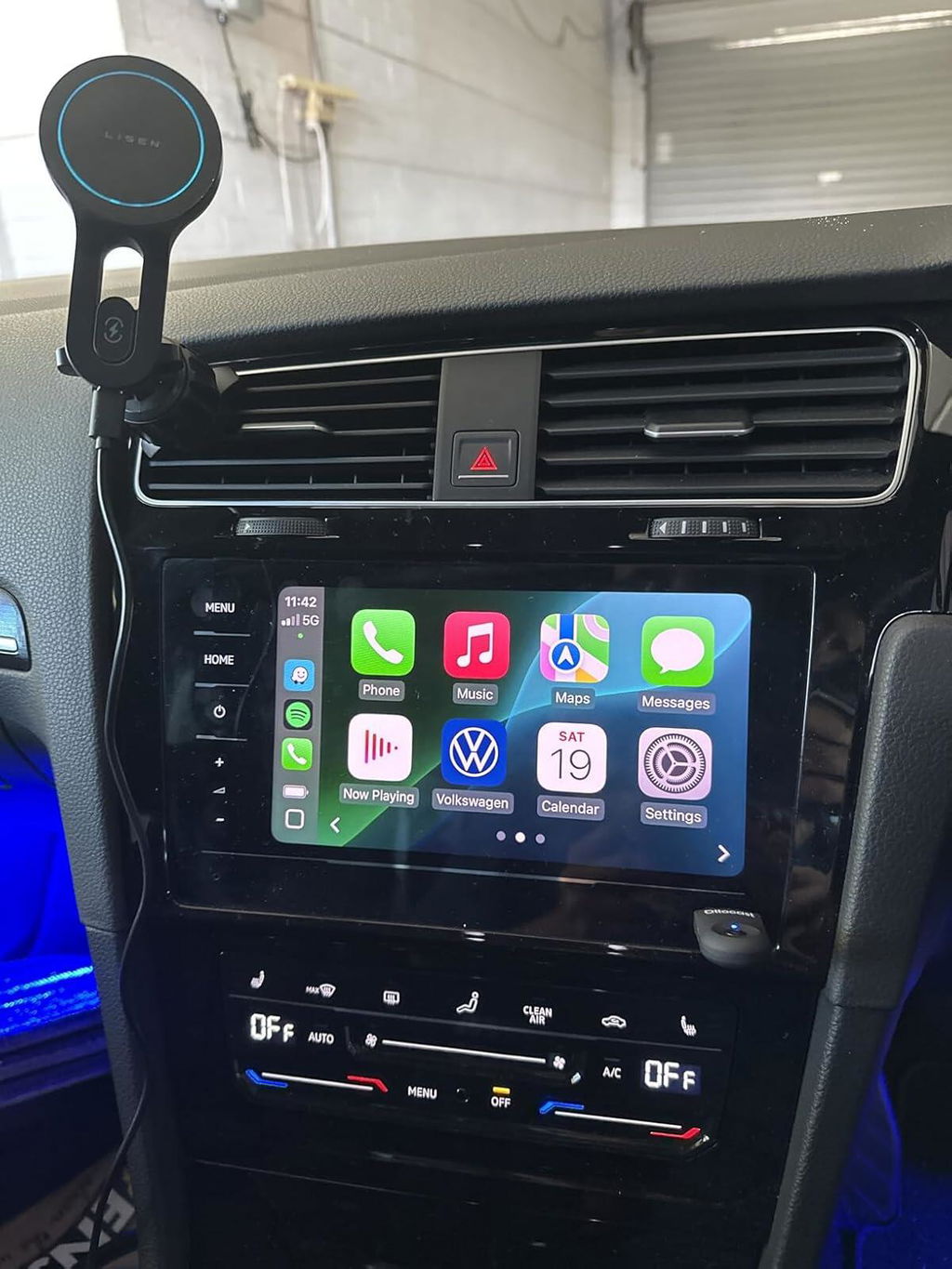
D
I have tested a fair few of these, and in terms of function and material quality, this one is perfect. When plugged in, the screen tells you what Bluetooth device to connect to for pairing, and after that, you're done! Connecting from a cold start is just as fast as any other device- usually the car head unit, phone connecting and Android Auto/Car Play loading are what takes time and not the actual device itself.
Once connected, there has been no lag stuttering it disconnects. It has been rock solid.
The only negative is that there are other devices of equal performance which come in a bit under this device's $100 price tag. Despite that, this is a top shelf device.
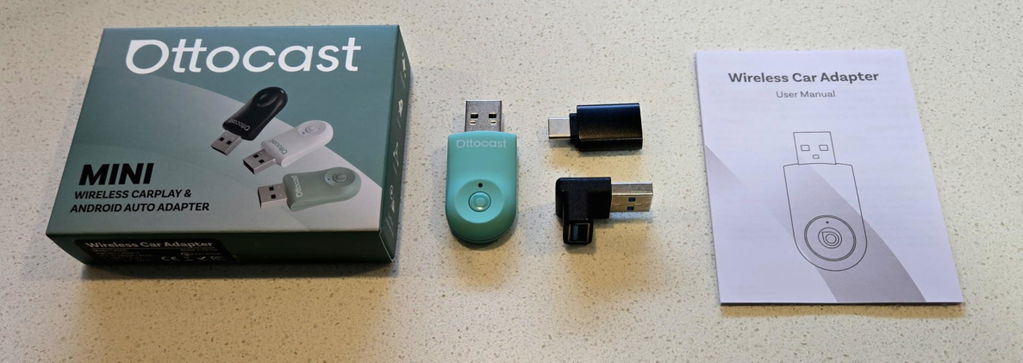
D
I have tested a fair few of these, and in terms of function and material quality, this one is perfect. When plugged in, the screen tells you what Bluetooth device to connect to for pairing, and after that, you're done! Connecting from a cold start is just as fast as any other device- usually the car head unit, phone connecting and Android Auto/Car Play loading are what takes time and not the actual device itself.
Once connected, there has been no lag stuttering it disconnects. It has been rock solid.
The only negative is that there are other devices of equal performance which come in a bit under this device's $100 price tag. Despite that, this is a top shelf device.
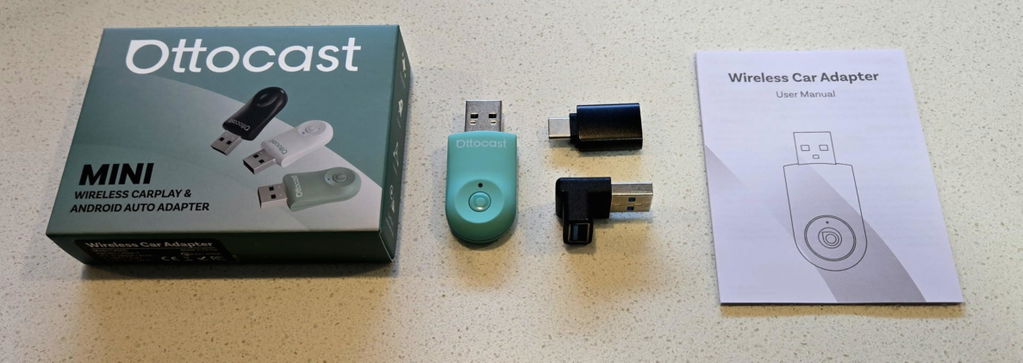
M
Excelente!, en menos de 10 segundos ya lo tienes enlazado con el teléfono y el stereo, diseño discreto, armonioso con el tablero y conexión estable, no hay retrasos ni pequeñas desconexiones presente, bienvenido el CarPlay inalámbrico! Posibilidad de actualizarlo si así se desea, Recomendable! Producto 10/10
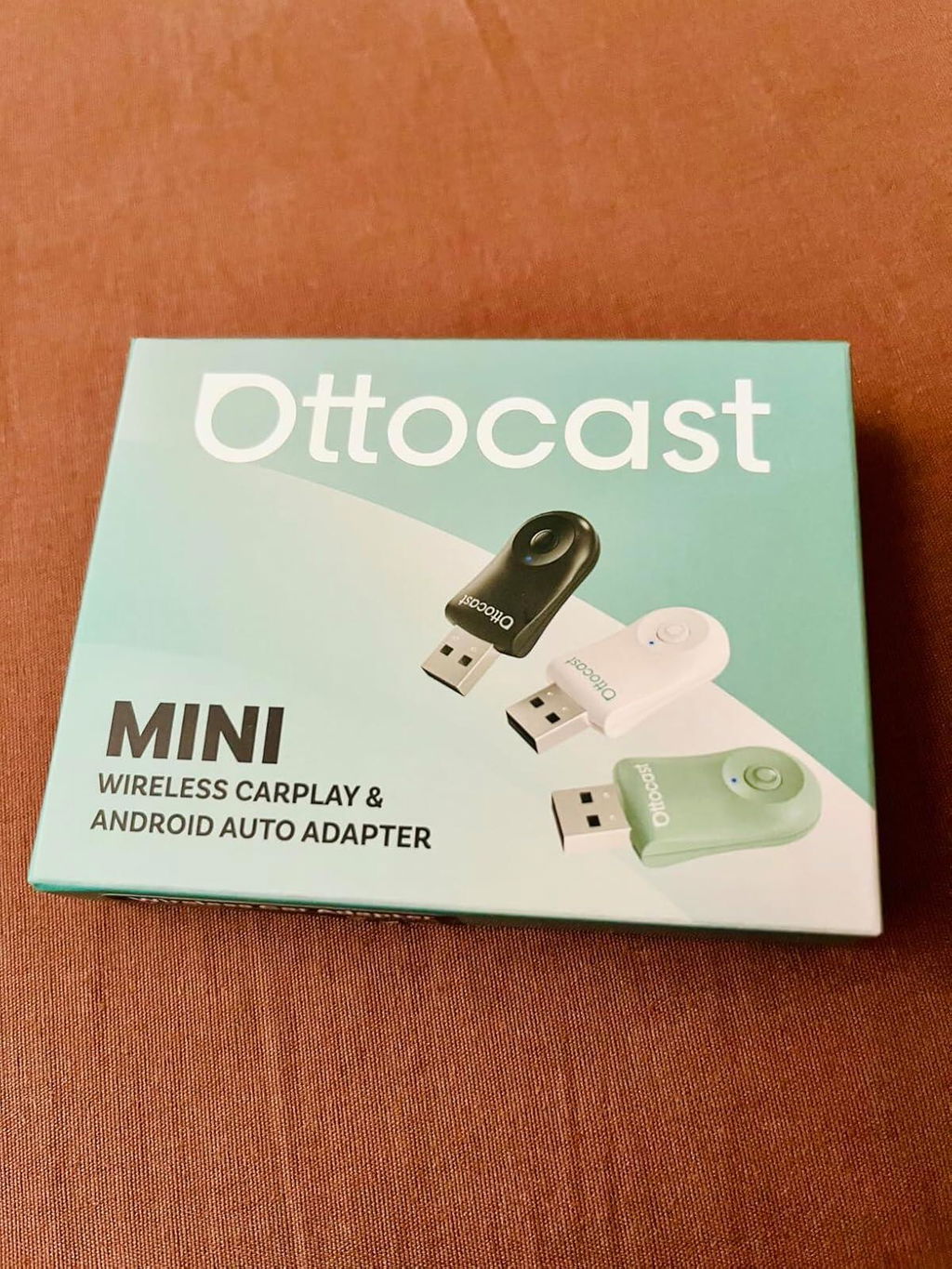
G
As others have mentioned, the set up couldn't be any easier; plug it into a usb port, add it as a Bluetooth connection on your phone for the initial set up, and you're good to go.
Unlike other products I've had in the past, the auto connect process is yet to fail which is exactly what you want with a wireless connection. Start the car, and within seconds, you're connected to the device.
Tested with both an iPhone 13 pro (main device) and Google Pixel 7 Pro and not an issue with either.
Whilst some may not be overly bothered by this, the fact that I no longer have to connect my phone to a usb cable everytime I'm in my car is a game changer!
Highly recommended for those looking at wireless options for their existing car play set-up.
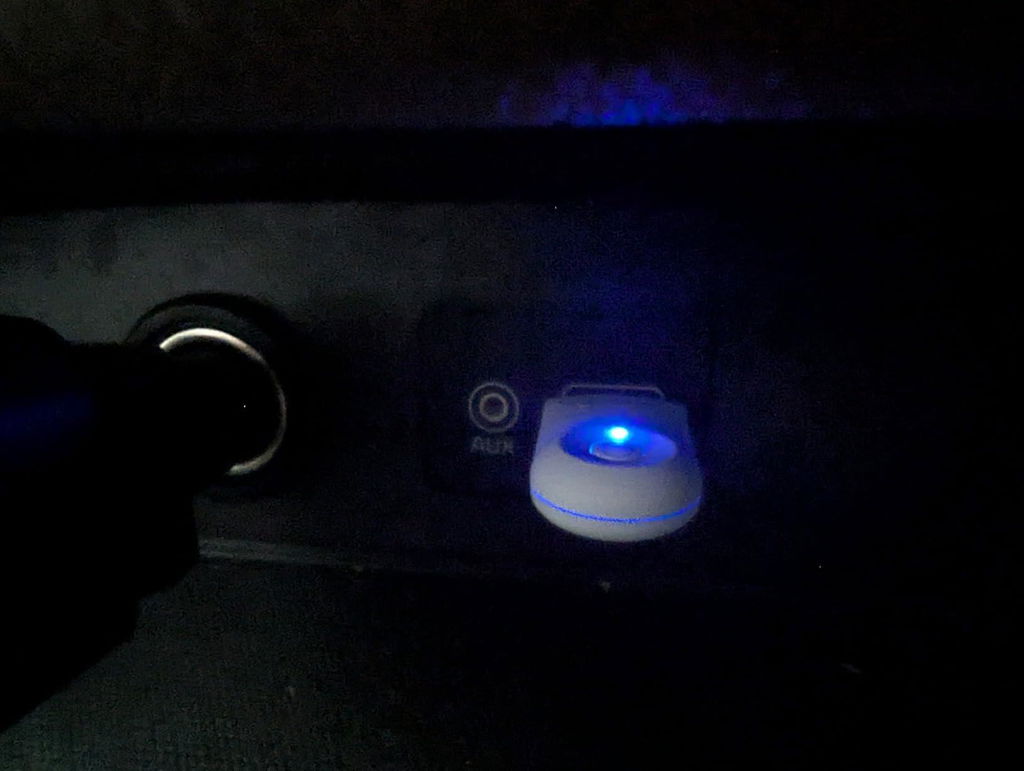
J
Product description sounded too good to be true as my dealings with wireless carplay built into cars have been disappointing to date.
You need to ensure you run an update on the product first before attempting to pair or use this to make your initial setup trouble free. We got a Haval 2020 model that only supports wired carplay and this worked in that car beautifully considering the carplay usb plug is buried inside the centre console where you wouldnt think signal woudl be able to reach it (in our shock, this worked without any issues).
Our chery tiggo 8 comes with wireless carplay but thinking of using this there as this seems to be more reliable that the built in software.
Pros
- Great wireless range even when buried in the centre console
- Quick connection once paired and do not suffer the slow connectivity most wireless car play has.
- Comes with instructions and usb adapters for all sorts of scenarios.
- Has future update support and upgradeability
- Doesn't take over the screen when the car starts unlike other brands do.
Cons
- Price can be expensive when not on sale
- Need to read the manual thoroughly to understand what the wifi password is as its not easily noted in the manual.
- Shape of the USB could be a more flush. Design feels a bit dated and very plastic like.
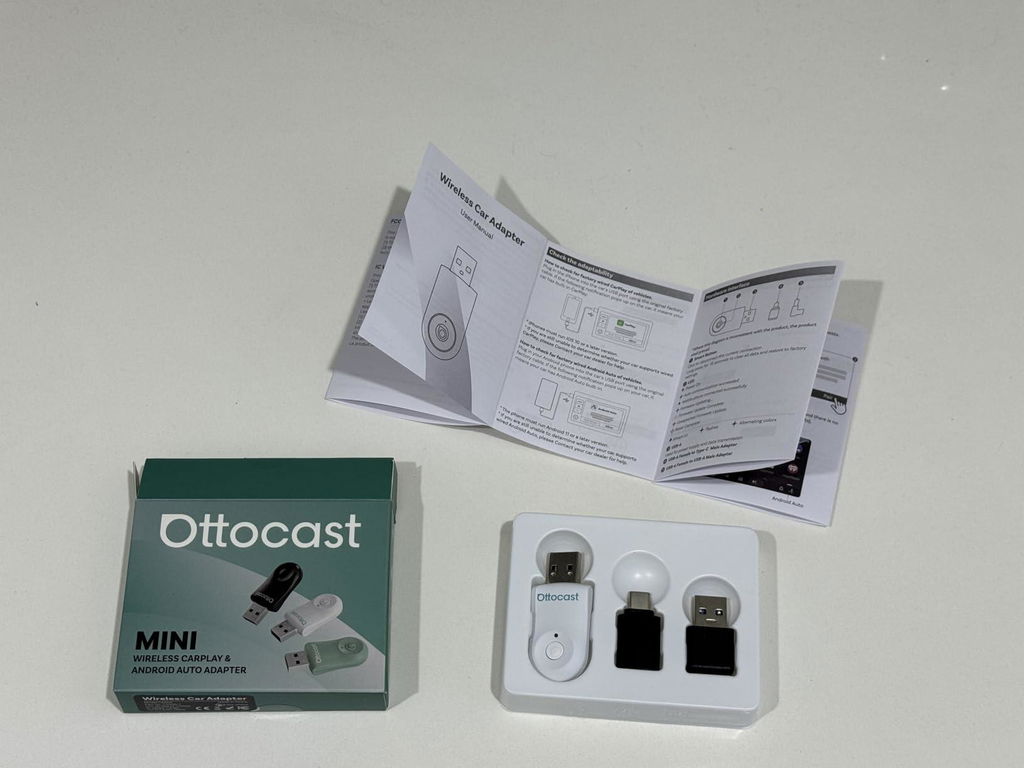
C
I got this in hopes of having a wireless CarPlay that would take up less of a footprint. It's so small and cute, I could just pinch its cheeks. I do have multiple people who like to connect, but Apple and Android.
Quality: Seems like a quality build. It is a lot in a small package. Decent button.
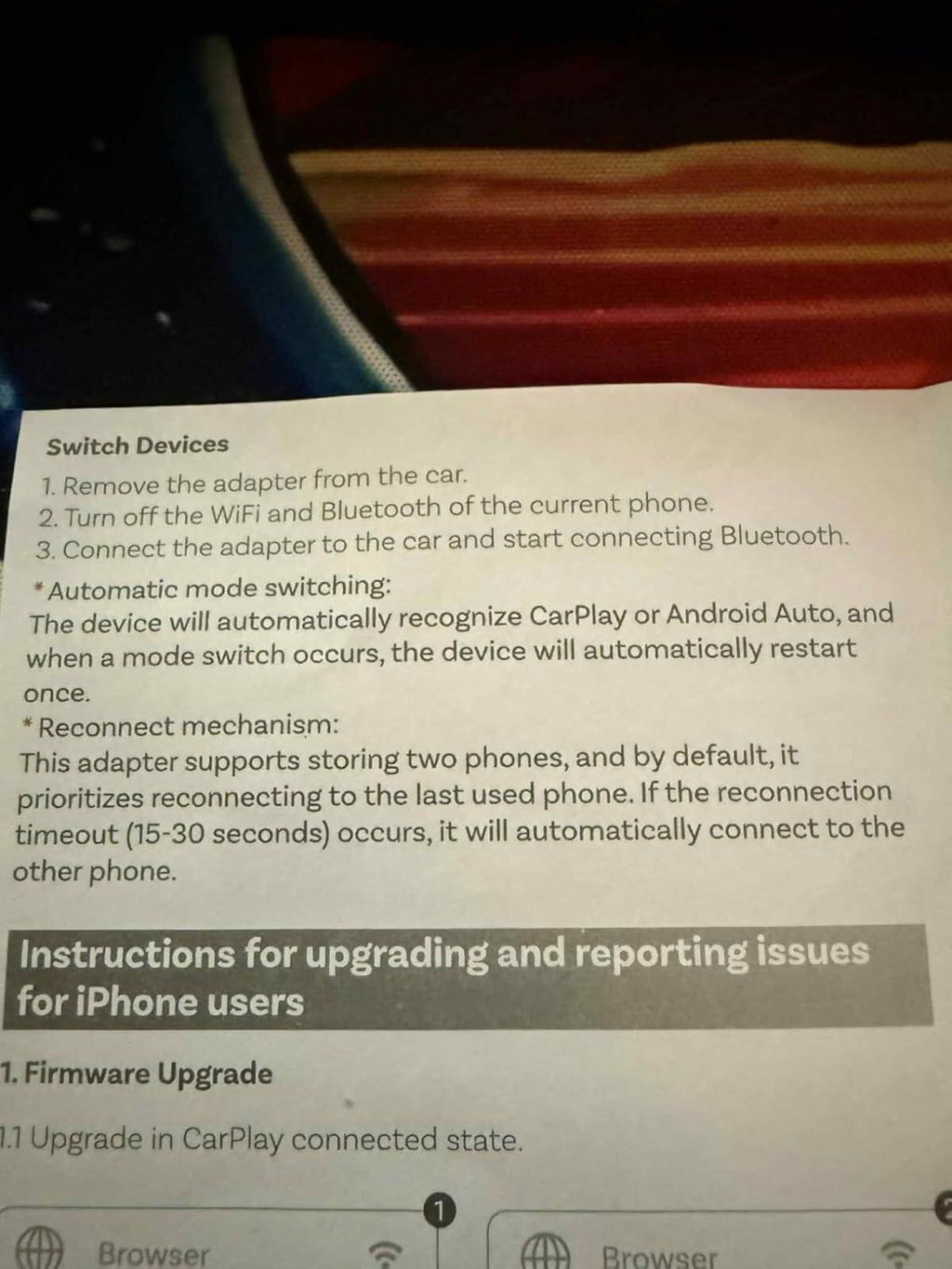
Functionality: Easy to connect to one phone wirelessly. If that's all you use, this may be perfect for you. If you want to switch between phones, it is a pain in the rear. See attached picture of instructions. I was hoping the button would let me switch, but it is only for setup really.
Du kanske också gillar


NYTT


NYTT


NYTT

